Upload
Take a photo of your document or choose an existing image.
Edit a photo of your passport, ID card, driving licence or bank card for free. Cover the details you choose and download a JPG or PDF. No account or payment needed to start.
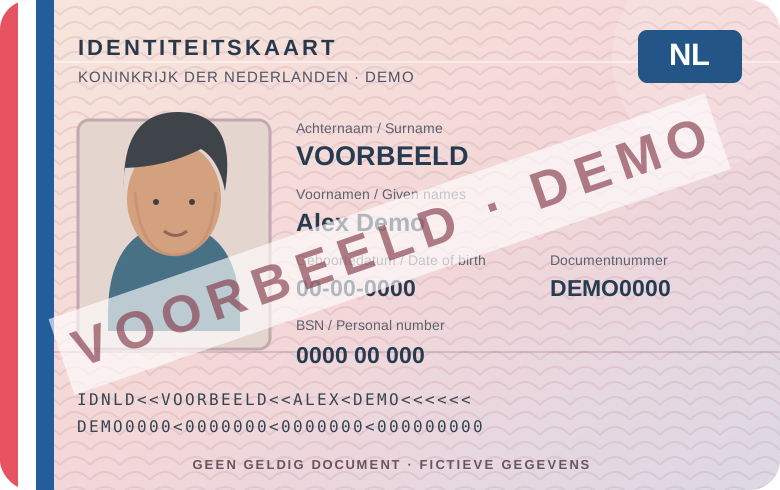
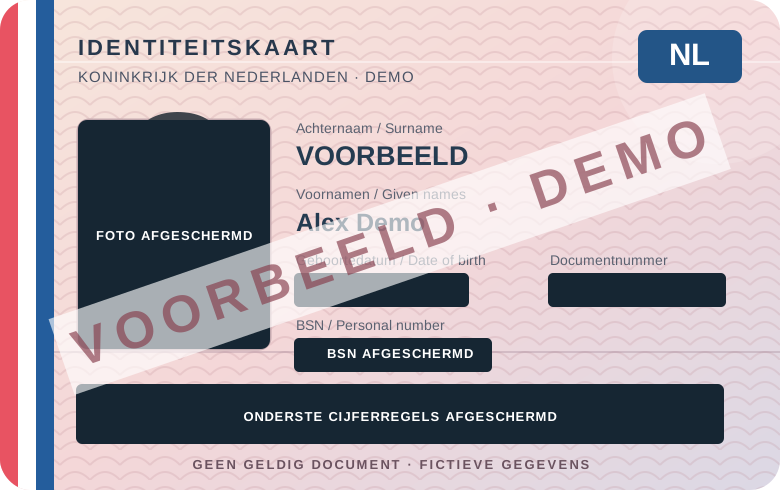
Fictional example · check which details the recipient needs.
Take a photo of your document or choose an existing image.
Choose which details remain visible.
Download a new image and check it before sharing.
The image is edited locally in your browser. The photo is not saved on our server. Your edits disappear when you close the page.
Start right away without creating an account.
Yes. You can edit and download a photo without an account, within the daily limit. No payment is needed to start.
No. The original and edited images stay in your browser: they are not sent as files to IDBewerken.nl or stored on our server. Reloading the page clears the edit; any downloaded file stays where you save it. We do process usage data for daily limits and account details if you register. Read our privacy page (Dutch).
Check with the recipient which details are needed. Depending on the purpose, you may cover the Dutch citizen service number (BSN), including its repetition in the machine-readable zone (MRZ), your portrait, signature or document number. Some recipients must see specific details, so ask first. This editor does not detect fields automatically: you cover them yourself. Check both sides and the downloaded result. Read our explanation (Dutch).
Open a JPG, PNG, WebP or PDF (up to 15 MB), or take a photo with your phone. For PDFs with multiple pages, choose which page to edit. Only that page is downloaded as a single-page JPG or PDF.
Draw a rectangle over every detail you do not want to share. Check repeated numbers, MRZ lines and the back of your document before sending the file.
The editor will show a notice. You can use it again for free the next day. See the prices on the Pro page set by the administrator and register for a free trial account. During the trial an account has its own daily limit; paid activation is not available yet.
On the Pro page you can see the current features and listed Starter and Pro prices. Registration currently provides a trial account with the member limit; paid Pro features are not active yet.
Choose a photo, cover details, check the result and download.